Building a Home Mining Rig From Scratch: The Complete Parts Checklist
Building a home mining rig from individual components gives you more control than buying a preassembled system. You can choose hardware for a specific algorithm, replace failed parts more easily, and design the rig around your available electricity, space, noise tolerance, and budget.
However, a profitable mining setup is more than a collection of graphics cards or a powerful ASIC. Reliable operation depends on compatible components, safe power distribution, adequate cooling, stable networking, and software that can monitor the system. This checklist explains what to buy and what to verify before switching on your first rig.
Start With the Mining Strategy
First decide whether you are building a GPU rig or buying a purpose-built ASIC miner. GPU mining offers greater flexibility because the cards can often be used for different algorithms and other computing tasks. ASICs are designed for a specific algorithm and usually deliver better efficiency for supported networks, but they can be louder, hotter, and less adaptable.
Review the target coin, supported algorithm, expected competition, electricity cost, pool fees, hardware availability, and resale prospects. Mining profitability changes with coin prices, network difficulty, block rewards, and operating costs, so a calculator estimate should be treated as a scenario rather than a guaranteed return.
Core Parts Checklist
| Component | What it does | Key selection checks |
|---|---|---|
| Graphics cards or ASIC miner | Performs the mining calculations | Algorithm support, efficiency, condition, warranty, and cooling requirements |
| Motherboard | Connects the processor, memory, storage, and expansion hardware | Expansion support, BIOS compatibility, PCIe layout, and stable operation |
| Processor | Runs the operating system and mining management tasks | Socket compatibility, low power demand, and sufficient integrated features |
| Memory | Provides working space for the operating system and mining software | Motherboard compatibility, capacity, and reliable operation |
| Storage | Holds the operating system, drivers, miners, and logs | Solid-state storage, endurance, free space, and easy replacement |
| Power supply | Converts mains electricity into power for the rig | Continuous capacity, connectors, efficiency, protections, and quality |
| Risers and cables | Allow graphics cards to connect outside the motherboard slots | Secure connections, adequate power leads, shielding, and build quality |
| Frame or case | Supports hardware and keeps airflow organized | Card clearance, rigidity, dust access, and cable management |
| Fans and cooling | Move heat away from the components | Airflow direction, fan quality, ambient temperature, and noise |
| Network connection | Keeps the miner connected to the pool and management tools | Reliable Ethernet or wireless coverage and router stability |
Choosing the Mining Hardware
Graphics Cards
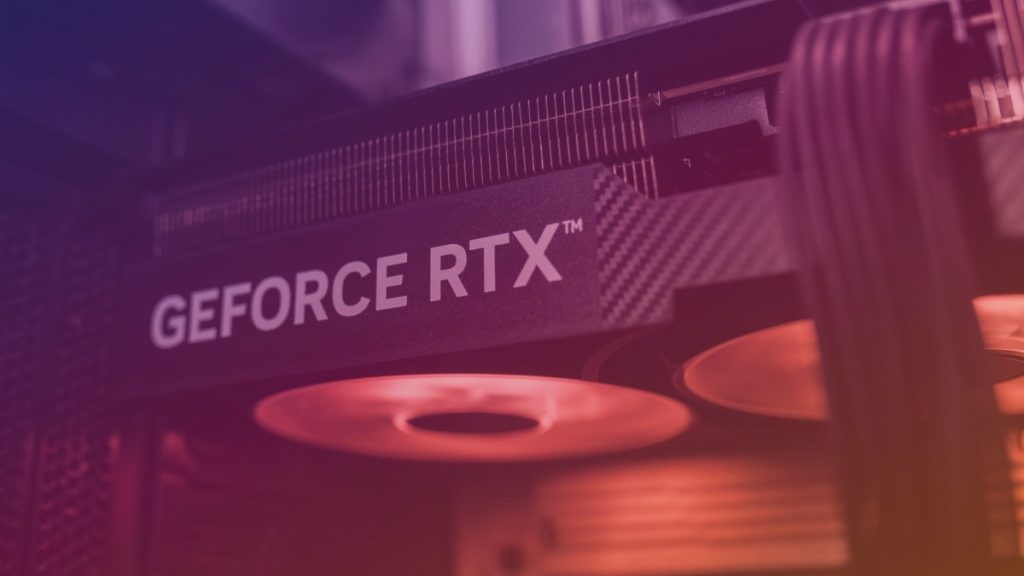
For a GPU rig, compare cards by mining efficiency, memory capacity, driver support, physical size, and used-market condition. A card with a lower purchase price is not automatically the better choice if it consumes more electricity, runs hotter, or has a history of intensive use.
Inspect second-hand cards carefully. Look for damaged fans, corrosion, modified connectors, missing backplates, unstable display output, and signs of excessive dust. Ask for testing evidence when possible, but remember that a short test cannot reveal every long-term reliability problem.
ASIC Miners
An ASIC normally reduces the complexity of the mining hardware build because the hashing unit, control board, and fans are integrated. You still need appropriate power equipment, ventilation, network access, and a suitable location.
Check the ASIC’s algorithm, firmware options, sound level, heat output, input voltage requirements, and connector type before purchasing. A residential room may not be suitable for a high-output unit, especially where neighbours, family members, or building regulations impose noise and heat restrictions.
Motherboard, Processor, Memory, and Storage
The motherboard should provide enough expansion capability for your intended design. For a multi-GPU system, verify that the board can initialize the planned cards and that its BIOS includes settings commonly used for mining, such as options for large PCIe resource allocation or simplified graphics initialization.
The processor does not usually need to be a high-end model for a GPU mining rig. Prioritize socket compatibility, dependable operation, and modest power consumption. Integrated graphics can make setup and troubleshooting easier, although they are not required for every configuration.
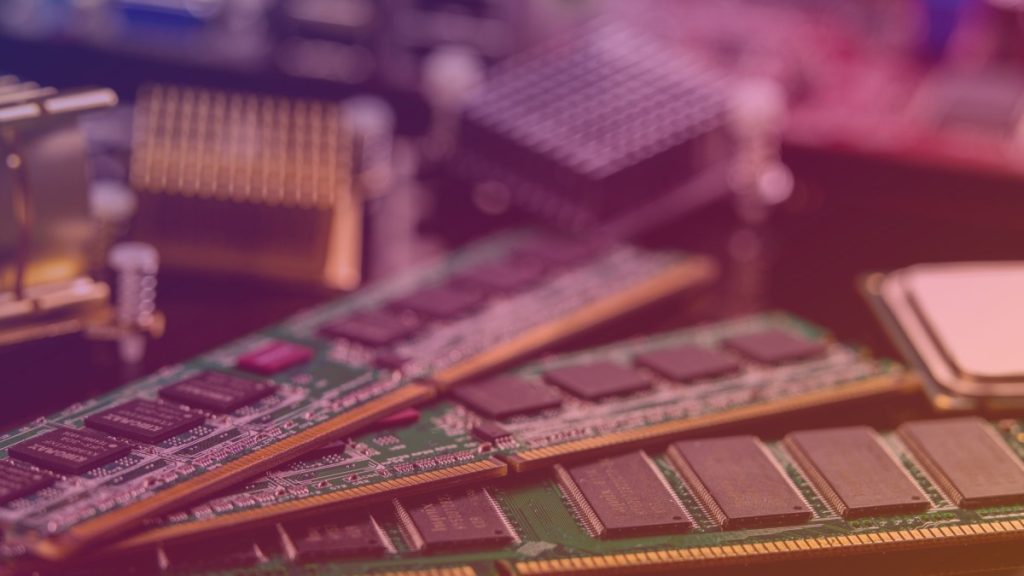
Use compatible memory that meets the motherboard’s specifications. Mining software itself may not require exceptional capacity, but stable memory is important because errors can cause crashes that look like GPU or driver failures.
Solid-state storage is generally preferable to a mechanical drive because it starts quickly and handles operating-system updates and log files more responsively. Keep backups of wallet information, configuration files, and access credentials separately from the mining computer.
Power Supply and Electrical Safety
The power supply is one of the most important parts of a mining rig. Select a reputable unit with enough continuous capacity for the complete system, including the motherboard, processor, storage, fans, risers, and every mining device. Leave practical headroom rather than operating continuously at the unit’s maximum rating.
Confirm that the PSU has the correct native connectors. Avoid overloaded adapters, low-quality splitters, loose plugs, and cables that are not rated for the required current. Never mix modular cables from different power-supply brands or product families unless compatibility is explicitly confirmed.
Home electrical circuits have limits. Before operating a large rig, inspect the outlet, wiring, circuit protection, extension equipment, and room ventilation. If you are unsure about the installation, ask a qualified electrician to assess it. Mining hardware should never be connected through damaged, hot, or improvised electrical equipment.
Risers, Frame, Airflow, and Noise
PCIe risers make it possible to space graphics cards apart so their fans can draw air effectively. Choose risers with secure USB cables, reliable power input, and visible signs of good construction. A defective riser can cause intermittent detection problems or create a serious electrical hazard.
A purpose-built open frame is easier to cool and service than a cramped desktop case. It should keep the motherboard elevated, support the cards without bending, and provide clear paths for power cables. Keep conductive objects, liquids, and loose tools away from exposed electronics.
Airflow should have a planned direction rather than relying on random fan placement. Remove dust regularly and monitor temperatures during warm conditions, not only in a cool room. Mining fans can be loud, and reducing fan speed without checking temperatures can shorten component life or cause instability.
Software and Network Setup
Install a mining-focused operating system or a standard operating system that supports your chosen drivers and mining application. Download software only from trusted, verified sources, and check that the miner supports the intended algorithm and hardware.
Use a stable network connection and configure the pool address, worker name, wallet destination, and backup pool settings carefully. Enable two-factor authentication on pool and exchange accounts where available, and avoid storing sensitive wallet recovery information in plain text on the mining machine.
Monitoring software should report hashrate, rejected shares, temperatures, fan behavior, power use where available, and system uptime. Set alerts for offline workers, sudden hashrate drops, overheating, or repeated restarts. These signals help identify problems before they become expensive failures.
Assembly and Preflight Checklist
- Test the motherboard, processor, memory, and storage before installing every mining device.
- Update the BIOS only when necessary and record important settings before changing them.
- Install risers and cards with the rig powered off and unplugged.
- Route power cables without sharp bends, strain, or contact with hot components.
- Check every connector twice before the first startup.
- Boot with a minimal configuration, then add cards one at a time.
- Run a controlled test and watch temperatures, stability, rejected shares, and power behavior.
- Record stable settings so they can be restored after updates or hardware replacement.
Profitability and Ongoing Maintenance
Calculate expected revenue using current network conditions, then subtract electricity, pool fees, cooling costs, maintenance, downtime, and hardware depreciation. Do not treat a daily estimate as fixed income; mining results can change quickly when prices, difficulty, block rewards, or pool conditions move.
Maintenance includes cleaning filters and fans, checking connectors, reviewing logs, updating software carefully, and inspecting the room for heat or moisture problems. Keep spare low-cost items such as riser cables, fans, and storage media available if downtime is costly.
Conclusion
A dependable home mining rig starts with a clear mining strategy and a complete parts checklist. The hashing hardware receives the most attention, but the motherboard, power supply, risers, airflow, networking, and monitoring system determine whether the rig operates safely and consistently.
Build gradually, test each component, and document your settings. Treat profitability as variable, prioritize electrical safety, and choose hardware that suits your home environment rather than focusing only on maximum theoretical performance.
Frequently Asked Questions
Is a GPU rig better than an ASIC miner for home mining?
Neither is universally better. GPU rigs are more flexible and may be easier to repurpose, while ASICs can be more efficient for a supported algorithm. The right choice depends on electricity costs, noise and heat tolerance, hardware availability, and the network you intend to mine.
How much power supply capacity does a mining rig need?
It depends on the combined consumption of the cards or ASIC, motherboard, processor, storage, fans, and accessories. Select a quality supply with continuous capacity above the expected load and practical headroom, then verify that all required connectors and the household circuit are suitable.
Can a mining rig run in a bedroom?
It can be unsuitable because mining hardware produces continuous heat and noise. Before using a bedroom, consider ventilation, dust, sleep disruption, electrical safety, and the effect of warm air on the room. A dedicated, well-ventilated area is generally more practical.
What should I monitor after building the rig?
Monitor hashrate, accepted and rejected shares, temperatures, fan speeds, power behavior, network status, and system uptime. Sudden changes can indicate a loose connection, failing riser, driver issue, overheating, or pool configuration problem.