Building a Home Mining Rig From Scratch: The Complete Parts Checklist
Building a home mining rig is a practical way to learn how cryptocurrency mining works, but a reliable system requires more than choosing a graphics card and installing mining software. The motherboard, power supply, cooling, operating system, wiring, and physical frame all affect stability, safety, and operating cost.
This checklist focuses on a GPU mining rig, which is generally more flexible than an application-specific integrated circuit (ASIC) miner. GPU rigs can support different mineable algorithms and may be easier to repurpose, although profitability depends on coin prices, network difficulty, electricity costs, pool fees, and hardware efficiency. Treat mining as a technical project and a potentially risky financial activity, not as guaranteed income.
Core Parts Checklist
| Part | Purpose | What to check before buying |
|---|---|---|
| Graphics processing units | Perform the hashing work | Hashrate, power draw, memory capacity, price, warranty, and cooling design |
| Motherboard | Connects the GPUs and system components | PCIe slot count, BIOS options, physical layout, and compatibility |
| Processor | Runs the operating system and mining software | Socket compatibility, basic system requirements, and included or separate cooling |
| Memory | Supports the operating system and applications | Correct memory type, motherboard support, and sufficient capacity |
| Storage | Holds the operating system, drivers, and miner | Reliable solid-state storage, correct interface, and available space |
| Power supply | Delivers electricity to the rig | Continuous output, efficiency rating, connector availability, and protection features |
| Risers and cables | Allow GPUs to connect outside the motherboard slots | Stable PCIe connection, appropriate power input, and undamaged cabling |
| Frame and cooling | Supports hardware and moves heat away | Strength, airflow, dust access, fan mounting, and safe clearance |
Choosing the GPUs
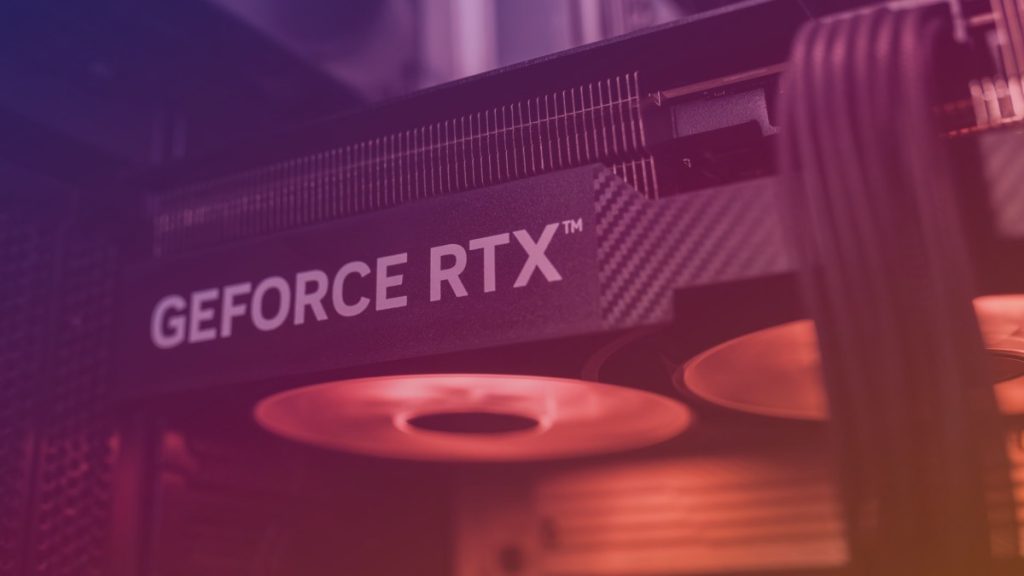
GPUs are usually the largest investment in a home mining rig. Compare cards using more than their advertised hashrate. A useful evaluation includes hashrate on the target algorithm, power draw under the intended settings, memory capacity, purchase price, used-market condition, and expected resale value.
Different mining algorithms place different demands on hardware. Some are more memory-intensive, while others respond more strongly to core performance or memory speed. Check current miner software support for the specific GPU model and operating system before committing to a large purchase.
Used graphics cards can reduce the initial cost, but inspect them carefully. Look for damaged fans, corrosion, modified connectors, excessive dust, unstable temperatures, and missing backplates or screws. A seller’s testing evidence and return policy are valuable, particularly when buying several identical cards.
Motherboard, Processor, and Memory
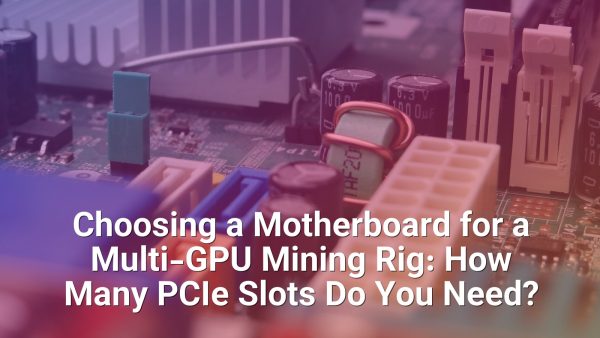
The motherboard must provide enough PCI Express connectivity for the planned number of GPUs. Mining boards may include several physical PCIe slots, but the slots can share bandwidth or require BIOS configuration. For many GPU mining workloads, high-end processor performance is unnecessary; the processor mainly needs to support the operating system, drivers, monitoring tools, and mining application.
Confirm the processor socket and memory type before ordering components. A basic compatible processor and a modest amount of supported memory are often sufficient for a dedicated rig, but the system should still have enough capacity to boot reliably and run monitoring or remote-management tools.
Review the motherboard manual for settings such as “Above 4G Decoding,” PCIe generation options, and primary display selection. Names differ by manufacturer. A board that appears suitable on paper may still need firmware updates or specific slot settings to recognize multiple GPUs.
Storage and Operating System
A solid-state drive is a sensible choice for the operating system and mining software because it starts quickly and has no mechanical moving parts. Use a reliable drive with a secure mounting method, and keep a backup of configuration files, wallet information, pool settings, and recovery credentials.
Windows and Linux are both used for GPU mining. Windows may be familiar to new builders and can simplify access to some vendor tools, while Linux can be attractive for lightweight remote administration. Whichever system you choose, download drivers and mining software only from trusted sources, verify configuration commands, and avoid storing wallet seed phrases in plain text on the rig.
Power Supply and Electrical Safety
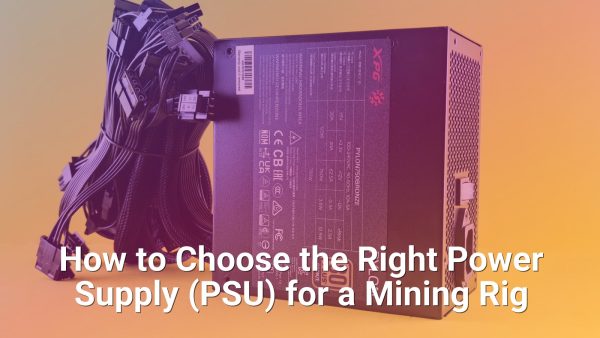
The power supply is one of the most important safety components. Select a reputable unit with enough continuous capacity for the GPUs and the rest of the system, leaving practical headroom rather than operating permanently at its limit. Check the manufacturer’s specifications for output on the relevant voltage rail, connector count, protections, and efficiency certification.
Do not confuse modular connectors with universal cables. Power-supply cables are not automatically interchangeable between brands or models, even when the plugs look similar. Use the cables supplied for that unit, distribute GPU loads appropriately, and never use damaged connectors, loose adapters, or visibly overheated plugs.
Household electrical capacity also matters. A rig can place a continuous load on a circuit for long periods, so inspect the outlet, breaker, extension equipment, and local wiring requirements. If you are unsure whether the installation is safe, consult a qualified electrician. General mining guidance cannot replace an on-site electrical assessment.
PCIe Risers, Frame, and Airflow
PCIe risers make it possible to space GPUs apart instead of mounting every card directly beside the motherboard. Choose risers with stable connections and appropriate power inputs. Before installing the full rig, test each riser and GPU individually so that a faulty component does not complicate troubleshooting.
The frame should keep components secure while leaving room for airflow and maintenance. Open-air frames are common because they simplify cooling and access, but they provide less protection from dust, accidental contact, and moisture than a properly ventilated enclosure. Keep the rig away from carpets, damp areas, direct sunlight, and locations where it can be knocked over.
Cooling is not an optional accessory. Install intake and exhaust fans so that heated air does not recirculate through the cards. Monitor core temperature, memory temperature where available, fan speed, and system stability. Regular dust removal helps preserve cooling performance, but power the equipment down before cleaning and avoid forcing dust deeper into the hardware.
Assembly and First Boot
- Install the processor, cooler, and memory on the motherboard before placing it in the frame.
- Mount the motherboard and storage securely, keeping conductive surfaces away from exposed circuitry.
- Install the power supply and route its cables without sharp bends or excessive tension.
- Connect one GPU and one riser first, then test the system before adding more cards.
- Enter the firmware settings, enable required multi-GPU options, and confirm that the hardware is detected.
- Install the operating system, chipset and graphics drivers, mining software, and monitoring tools.
Change default passwords and enable remote access only when necessary. Use a separate mining wallet or account where appropriate, enable two-factor authentication on related services, and keep software updated from verified sources. Record stable settings so you can restore the rig after a system failure.
Tuning and Ongoing Maintenance
Mining performance is a balance between hashrate, energy use, temperature, and reliability. Power limits, clock speeds, and memory settings should be adjusted gradually, with stability testing after every change. A setting that produces a higher reported hashrate may be counterproductive if it causes rejected shares, crashes, thermal throttling, or excessive wear.
Monitor accepted and rejected shares, connection status, temperatures, fan behavior, and power consumption. Pool dashboards can help identify payout and connection issues, while local monitoring can reveal hardware problems earlier. Keep records of energy costs, pool fees, coin prices, maintenance, and downtime before judging performance.
Clean filters and fans periodically, inspect power connectors for discoloration, and check that risers remain firmly seated. Profitability can change quickly as network difficulty, market prices, and electricity rates move. Recalculate regularly instead of relying on the result from the day the rig was built.
Conclusion
A successful home mining rig begins with compatible parts, safe power delivery, effective airflow, and realistic operating expectations. The graphics cards determine much of the potential performance, but the supporting components determine whether the system can run consistently.
Build one test configuration before expanding, document every setting, and treat electrical safety and data security as priorities. Use profitability calculators as estimates rather than promises, and consider taxes, local regulations, noise, heat, and electricity costs before making a purchase.
Frequently Asked Questions
Is a powerful processor necessary for a GPU mining rig?
Usually, no. The processor mainly runs the operating system, miner, monitoring applications, and network services. Compatibility and stability matter more than premium processor performance, although some algorithms or non-GPU workloads may have different requirements.
How many GPUs should a beginner install?
Starting with one GPU is the easiest approach for testing compatibility, drivers, power delivery, temperatures, and mining software. Add more cards only after the initial configuration operates reliably and the electrical circuit and cooling plan can support the expansion.
Should a mining rig use a separate wallet?
A separate wallet or account can reduce exposure to personal funds and make mining records easier to organize. Protect recovery phrases offline, use strong unique passwords, and enable two-factor authentication where available. Never share private keys or seed phrases with a pool, seller, or support contact.
Can a home mining rig be profitable?
It can be profitable under favorable conditions, but profitability is not guaranteed. The result depends on hardware cost, hashrate, power draw, electricity price, coin price, network difficulty, pool fees, downtime, taxes, and maintenance. Recheck these variables regularly and consider the possibility of losses.