Choosing a Motherboard for a Multi-GPU Mining Rig: How Many PCIe Slots Do You Need?
Choosing the right motherboard is one of the most important steps when building a multi-GPU mining rig. The number of graphics cards you plan to install affects the required PCIe slots, processor platform, power delivery, case or frame design, BIOS settings, and operating system configuration.
For most mining algorithms, GPUs do not need the full bandwidth of a PCIe x16 connection. A graphics card can often operate through a powered riser connected to a smaller PCIe slot, such as an electrical x1 connection. However, the motherboard still needs enough usable expansion slots, compatible lane routing, and stable firmware support for the complete GPU count.
Physical PCIe Slots Versus PCIe Lanes
A motherboard specification may list several PCIe x16 slots, but this does not always mean that every slot operates electrically at x16 speed. The physical connector describes the slot’s shape, while the electrical connection determines how many PCIe lanes are actually available.
For mining, a physical x16 slot running at x4, x2, or x1 may be perfectly adequate when used with a riser. The important questions are whether the slot can detect a GPU reliably, whether it shares resources with other connectors, and whether the platform supports the number of devices you want to install.
Some boards use open-ended or physically shortened slots, while others provide x1 slots that require a small adapter or riser cable. Before buying, check the motherboard manual rather than relying only on the product’s marketing summary.
How Many PCIe Slots Does a Mining Rig Need?
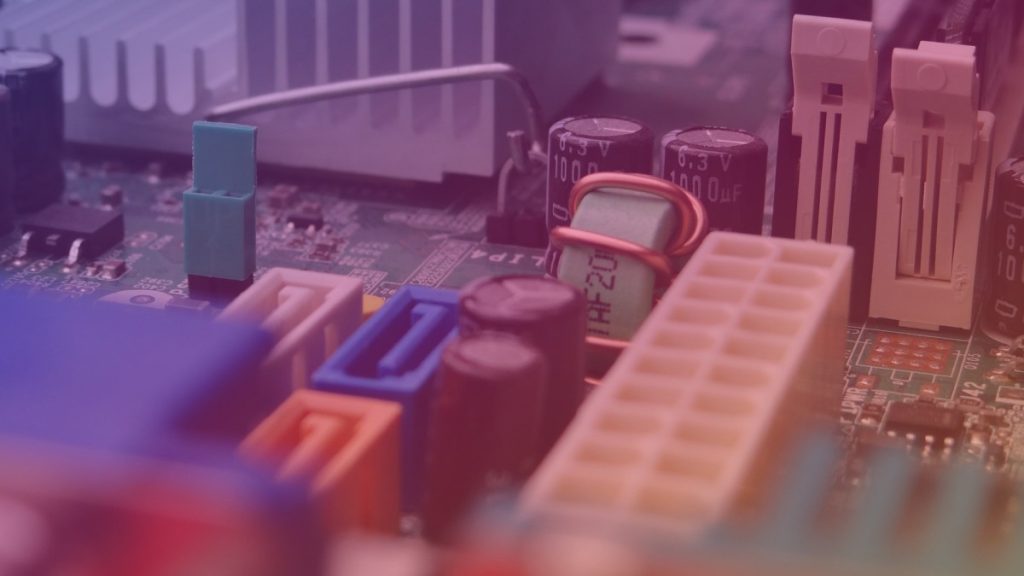
The basic calculation is simple: one GPU generally requires one usable PCIe connection. A riser does not eliminate the need for a motherboard connection; it only allows the graphics card to be positioned away from the board and connected through a cable.
| Planned GPU count | Recommended usable PCIe connections | Practical planning guidance |
|---|---|---|
| 1 GPU | At least 1 | A standard desktop motherboard is usually sufficient. |
| 2 to 4 GPUs | At least 2 to 4 | Check slot spacing, lane sharing, and whether risers are supported by the board layout. |
| 5 to 6 GPUs | At least 5 to 6 | Choose a board known to support multiple graphics devices and review its BIOS options. |
| More than 6 GPUs | Equal to the GPU count, with platform verification | Confirm CPU, chipset, BIOS, operating system, power, and physical expansion limits before purchase. |
It is wise to leave some flexibility rather than designing a rig that uses every connector without exception. A spare slot can be useful for troubleshooting, a network adapter, a storage controller, or replacing a failed riser without redesigning the entire system.
Why Risers Matter in Multi-GPU Mining
Graphics cards are physically large and generate considerable heat. Installing several cards directly next to one another can restrict airflow and cause thermal problems. USB-style PCIe risers allow each GPU to be mounted separately on an open frame, improving spacing and making cable management easier.
A riser normally includes a motherboard adapter, a cable, and a separate GPU-side board. Use risers with a stable power design and inspect every connector for heat damage, loose contacts, or poor construction. A faulty riser can cause intermittent GPU detection, system crashes, or a safety risk.
Do not assume that every slot must be a full-length x16 slot simply because the GPU uses an x16 connector. For many mining workloads, the motherboard-side connection can be smaller when the riser and firmware operate correctly. Compatibility remains more important than the slot’s physical length.
Check Lane Sharing and Slot Availability
Motherboards frequently share PCIe lanes between expansion slots, M.2 storage connectors, SATA ports, and onboard controllers. Enabling one connector may disable another, reduce its operating mode, or prevent a second device from working. These details are normally listed in the motherboard manual’s block diagram or expansion-slot table.
Lane sharing is not automatically a problem for mining. A reduction in link width may have little practical effect on a GPU running a mining workload. The greater concern is whether a connector becomes unavailable or whether the platform fails to initialize all installed cards.
When comparing boards, look for a clear description of which slots remain active simultaneously. Avoid relying solely on phrases such as “supports multiple GPUs,” because that statement may refer to gaming configurations rather than a large number of independently connected mining cards.
CPU and Chipset Considerations
The processor and chipset together determine much of the platform’s expansion capability. Some desktop processors provide a limited number of direct CPU PCIe lanes, while additional slots may connect through the chipset. This arrangement can still work well for mining, but the total number of devices and how they share bandwidth must be understood.
A platform designed for workstations or servers may offer more expansion capacity, but it can also cost more and consume more power. For a smaller rig, a mainstream desktop board may be sufficient. For a larger build, platform documentation and user reports can be more valuable than the raw number of advertised slots.
Also verify processor socket compatibility, memory support, and BIOS version requirements. A motherboard may require a particular firmware release before it can initialize newer CPUs or handle a specific multi-GPU configuration.
BIOS Settings for Multiple GPUs
Many multi-GPU rigs need BIOS adjustments before all cards are detected. Common options include enabling Above 4G Decoding, selecting a suitable PCIe generation, and changing the PCIe link mode from Auto to a lower generation when stability is better at that setting.
The exact names and locations vary by manufacturer. Some boards also include mining or multi-GPU presets, but these should not be treated as a guarantee of compatibility. Update the BIOS only according to the manufacturer’s instructions and avoid interrupting the process.
If the system detects only some GPUs, start with a minimal configuration. Test the motherboard, processor, memory, operating system, and one graphics card before adding devices one at a time. This makes it easier to identify a defective riser, insufficient power connection, unsupported slot combination, or driver issue.
Power, Cooling, and Physical Layout
PCIe slot selection is only one part of a reliable mining build. Each GPU and riser must receive power through appropriate cables and connectors, while the power supply must have enough capacity and suitable protections for the complete system. Avoid overloading a single cable or using questionable adapters.
Open-frame mining systems generally provide better airflow than closed cases, but they still require deliberate fan placement and dust management. Leave enough space between GPUs for their cooling systems to work, particularly when using cards with open-air heatsinks.
Measure the frame, card length, riser cable reach, and power-supply cable length before assembly. A motherboard with enough slots is not useful if the GPUs cannot be mounted safely or the cables are placed under mechanical strain.
Common Buying Mistakes
- Counting only physical x16 slots: Smaller usable slots can work with risers, while some full-length slots may share resources or become disabled.
- Ignoring the motherboard manual: The manual often reveals lane-sharing limitations that product listings omit.
- Planning for the maximum without testing: A configuration that works with four GPUs may need different BIOS settings or platform support at a higher count.
- Choosing by slot count alone: Power delivery, firmware quality, processor compatibility, cooling, and riser reliability are equally important.
- Using every connector immediately: Leaving a spare connection can simplify maintenance and future expansion.
Conclusion
Choose a motherboard according to the number of GPUs you intend to run, but count usable PCIe connections rather than simply counting full-length connectors. For many mining rigs, PCIe risers make smaller electrical connections practical, provided the board, BIOS, operating system, and risers work together reliably.
Before purchasing, read the motherboard manual, check lane-sharing tables, confirm processor and memory compatibility, and plan power and cooling at the same time. A slightly more flexible board can be a better long-term choice than one that only meets the minimum slot requirement.
Frequently Asked Questions
Does every mining GPU need a PCIe x16 slot?
No. With a suitable riser, a GPU can often operate through a smaller electrical PCIe connection. The motherboard must still provide one stable, usable connection for each GPU, and the complete configuration must be supported by the BIOS and operating system.
Are more PCIe lanes always better for mining?
Not necessarily. Many mining workloads do not require the bandwidth of a full x16 link. However, sufficient lanes and clear slot routing can improve platform flexibility and reduce the risk of resource conflicts, especially in larger systems.
Can a motherboard support six GPUs if it has only four x16 slots?
Possibly, if it also has other usable PCIe slots and the board supports the required combination through risers. Check the manual for simultaneous slot operation, lane sharing, BIOS options, and any stated graphics-device limits before buying.
Should I buy a motherboard with one extra PCIe connection?
Usually, having some expansion capacity is useful. A spare connection can help with troubleshooting, replacement hardware, or future expansion, although the best choice also depends on platform stability, price, power requirements, and the intended rig size.